
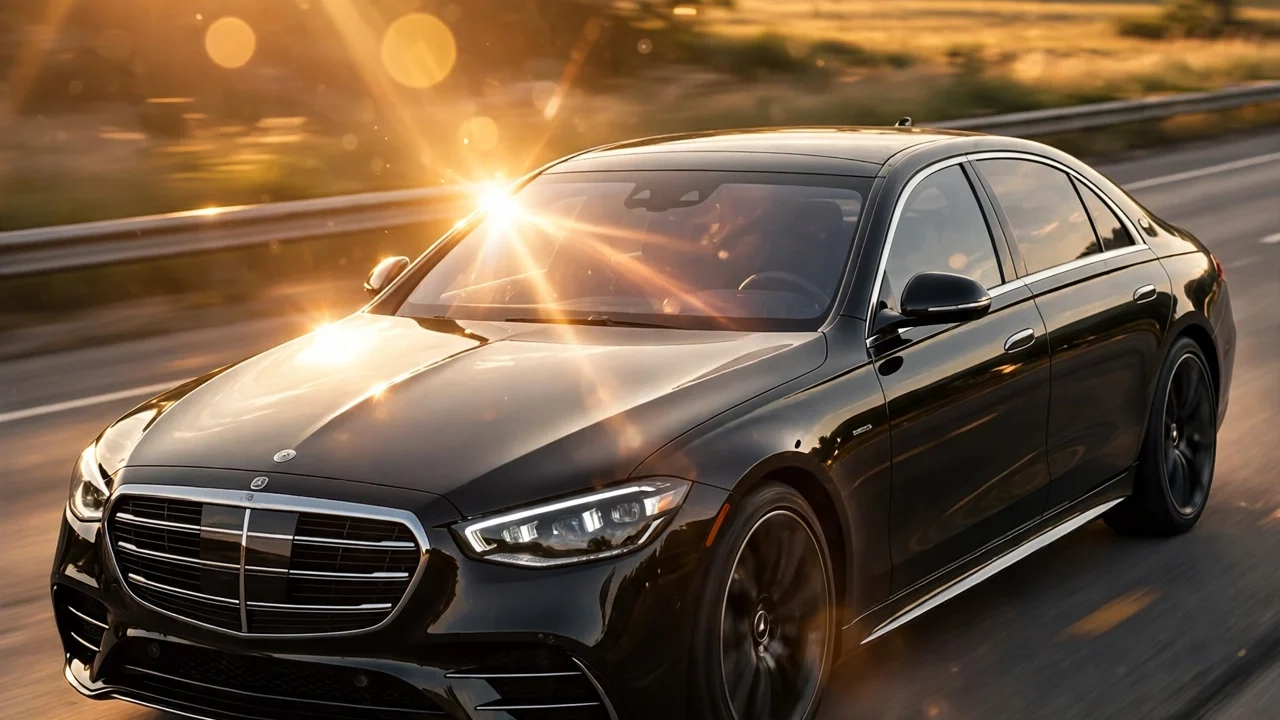
Open Instagram Reels right now and you will see it everywhere: normal selfies turning into movie-like clips of people cruising in luxury cars at sunset. Nobody actually bought a sports car. They just used one photo and an AI video app.
This is the car driving AI video trend of 2026, and it is spreading fast because the results look shockingly real. The camera glides around a black sedan, light hits the windshield just right, and there you are in the driver’s seat like it is a scene from a film. Creators are pulling in millions of views with these clips, and the whole thing takes about ten minutes to make.
I have put together three prompts for this car driving AI video trend below. Each one is written to keep your face and look consistent while the AI builds the scene around you. Just copy the one you like, paste it into your AI video tool, and upload your photo.
What You Need Before You Start
You do not need any editing skills for this. Here is the full list:
- One clear photo of yourself, front-facing, in good light. A simple selfie works fine.
- An AI video generator that takes an image plus a text prompt. Most creators are using <a href=”https://labs.google/fx”>Google Flow</a> for this right now, but any image-to-video tool will do.
- About ten minutes of your time.
That is it. No car required.
Prompt 1: Golden Hour Highway Drive
This is the classic version of the car driving AI video trend and the one going most viral. Warm sunset light, open road, black sedan. It works so well because golden hour hides small AI mistakes and everything looks soft and premium.
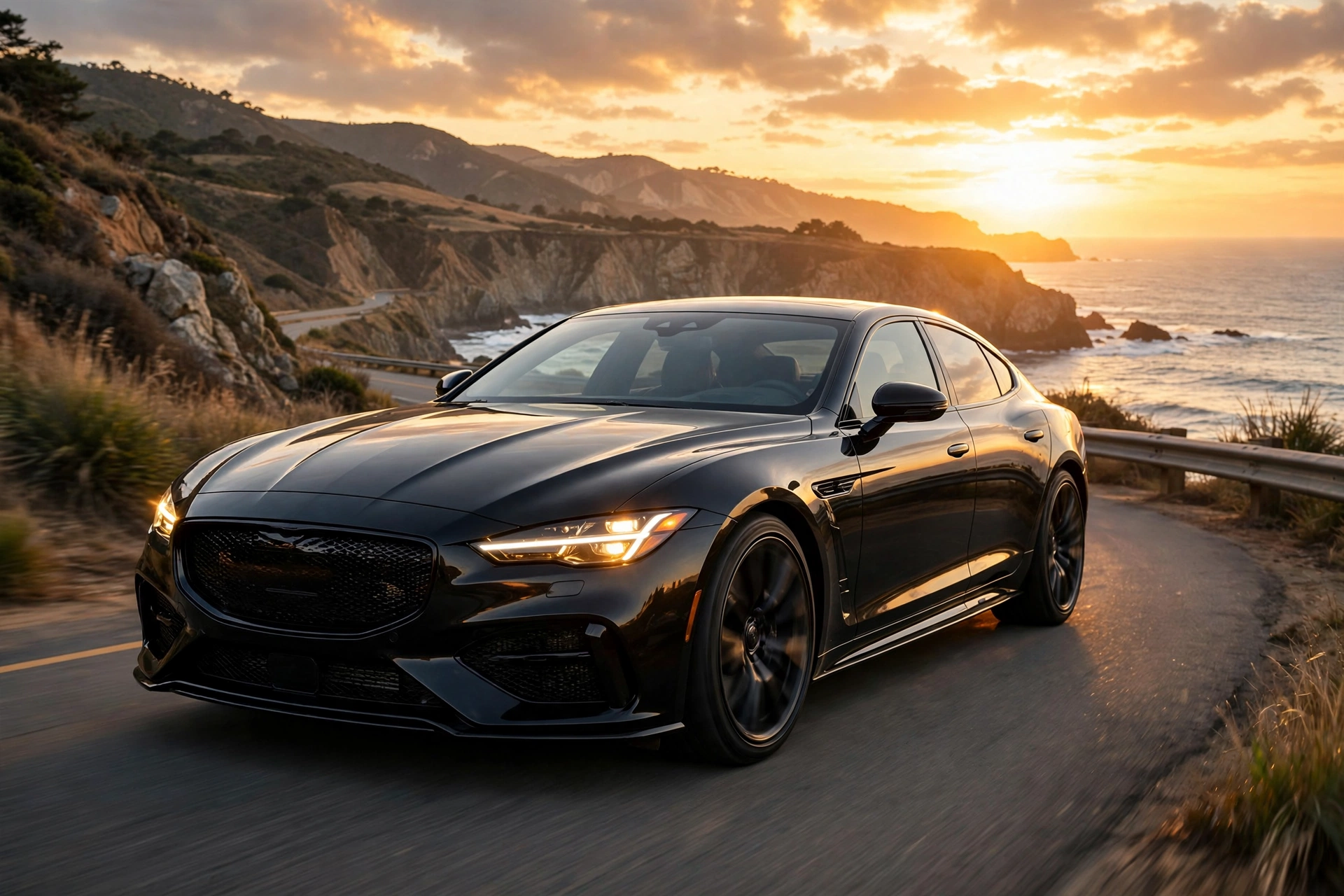
Using my uploaded photo as the character, create a realistic vertical cinematic video. Keep my face, hairstyle, skin tone and body exactly the same — do not change my identity. Scene: a black luxury sedan driving on an open coastal highway during golden hour. Start with a wide shot of the car from the front side, then slowly move the camera toward the windshield to reveal me sitting in the driver’s seat, calm and confident, hands resting near the steering wheel. Warm sunset light reflects off the car body and windshield. Add natural motion: slight head movement, blinking, gentle sway from the moving car. The road and background move smoothly past. Realistic shadows, natural depth of field, subtle motion blur on the wheels. No text, no watermarks, no distortion on the face.
Why this one works: the prompt locks your identity first, then describes the camera move. AI video tools follow camera instructions closely, so telling it to start wide and push toward the windshield gives you that smooth reveal everyone loves in these reels. If your first result looks off, generate it once more — the second try is usually cleaner.
Prompt 2: Night City Neon Drive
If golden hour feels too common on your feed, the night version of the car driving AI video trend stands out. Neon reflections on the car, glowing streets, wet road — it has a completely different mood and tends to get strong comments.
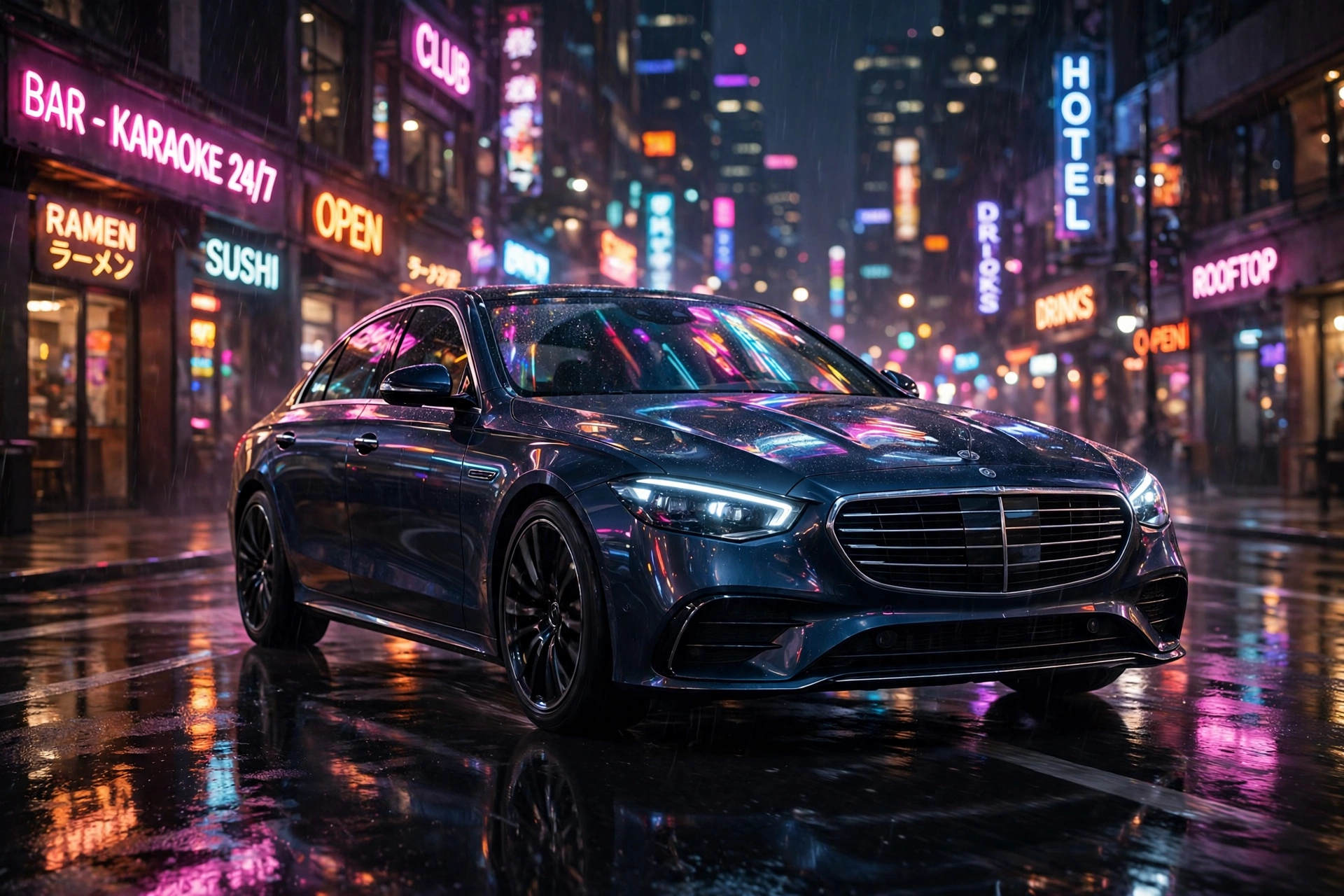
Using my uploaded photo as the character, create a realistic vertical cinematic video. Keep my face, hairstyle, skin tone and body exactly the same. Scene: a black luxury sedan cruising through a neon-lit city street at night. Start with a side tracking shot of the car, neon signs reflecting on the windows and body, then glide the camera to the windshield to show me in the driver’s seat, relaxed, city lights glowing behind me. Wet asphalt with soft reflections, bokeh from street lights, gentle camera sway, realistic interior dashboard glow. Natural small movements — blinking, slight smile. No text, no watermarks, face must stay sharp and unchanged.
A quick tip for night scenes: keep the lighting words simple. “Neon reflections” and “bokeh” do most of the heavy lifting. If the AI makes your face too dark, add “soft light on the face” to the end of the prompt and run it again.
Prompt 3: Driver’s Seat POV
This one feels the most personal because the camera sits inside the car with you. It is the version people use when they want the reel to feel like a real moment, not a car ad.
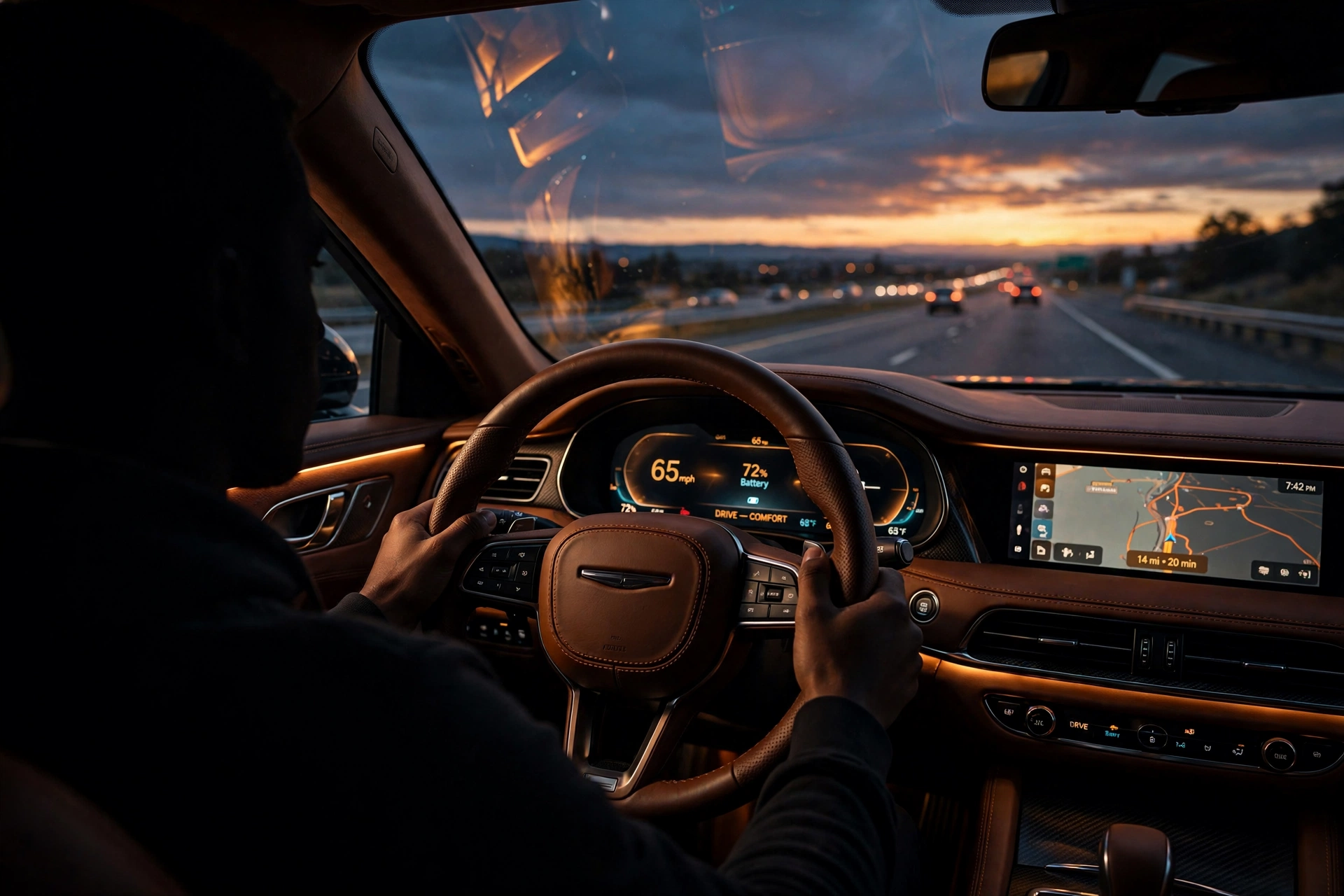
Using my uploaded photo as the character, create a realistic vertical cinematic video shot from inside the car. Keep my face, hairstyle and skin tone exactly the same. The camera sits on the passenger side, looking at me in the driver’s seat of a luxury car at dusk. Premium leather interior, glowing digital dashboard, highway stretching ahead through the windshield. I glance at the road, then give a small confident smile toward the camera. Warm interior light mixed with cool evening light from outside. Subtle vibrations from the moving car, realistic reflections on the glass. No text, no watermarks, no face distortion.
The smile-toward-camera beat is what makes this one shareable. It breaks the fourth wall for half a second, and viewers replay it. Keep the smile small though — a big grin looks fake in AI video.
How to Use These Prompts (Step by Step)
- Pick the prompt you like and hit the Copy button above it.
- Open your AI video app and choose the image-to-video option.
- Upload your photo first, then paste the prompt into the text box.
- Set the format to vertical (9:16) and around 5 to 8 seconds long.
- Generate, watch it once, and if something looks wrong, generate again with the same prompt. Two or three tries is normal.
Tips for Realistic Results
- Use a clean photo. Busy backgrounds confuse the AI. A plain wall behind you gives the cleanest face transfer.
- Do not change your photo between tries. Same photo plus same prompt gives the most consistent results.
- Keep clips short. Five to eight seconds looks the most real. Longer clips give the AI more room to mess up faces and hands.
- Watch the hands. AI still struggles with hands sometimes. If yours look strange, crop the reel slightly or pick the take where hands stay near the wheel.
- Add trending audio. The video gets you the watch time; the right trending sound gets you the reach. Pair your clip with whatever car or cinematic audio is trending this week.
Final Words: Try the Car Driving AI Video Trend
The car driving AI video trend works because it sells a feeling — freedom, style, a main-character moment — and now anyone can make it with one photo. Try the golden hour prompt first since it is the most forgiving, then play with the night version once you get the hang of it.
Save this page, because trends move fast and new variations of this one keep popping up. I will keep adding fresh prompts here as the trend grows.
About Pinky Chouhan
Hey, my name is Pinky Chouhan, and I live in India. I am passionate about discovering new AI trends, AI video tools, and social media content ideas. I also have experience in video and photo editing using tools like CapCut, Adobe, InShot, and VN. Over time, I have worked on many editing projects and enjoy experimenting with new creative techniques and AI-powered tools. I regularly share the latest AI trends, video prompts, and creative ideas on The Prompt Master. My goal is to provide simple and practical prompts that anyone can use to create engaging AI videos. Most of the prompts published on this website are designed to be easy to use. You can simply copy a prompt, paste it into Google Flow or a compatible AI video tool, and start creating your video. I will continue sharing new AI trends, useful prompts, editing tips, and creative ideas to help creators make better content and stay updated with the fast-changing world of AI.
1 thought on “Instagram Car Driving AI Video Trend 2026: 3 Prompts for Viral Luxury Car Reels”